Samsung Electronics has officially introduced its Samsung Browser on Windows, marking a major step in bringing its mobile browsing experience to desktop users. The move focuses on seamless cross-device usage and introduces a new generation of AI-powered browsing capabilities.
A Unified Browsing Experience Across Devices
With the arrival of Samsung Browser on Windows, users can now move effortlessly between their smartphones and PCs without losing their place online. The browser goes beyond basic syncing by allowing users to continue browsing the exact same webpage across devices.
Whether switching from mobile to desktop or vice versa, the transition is smooth and uninterrupted—creating a more connected digital experience.
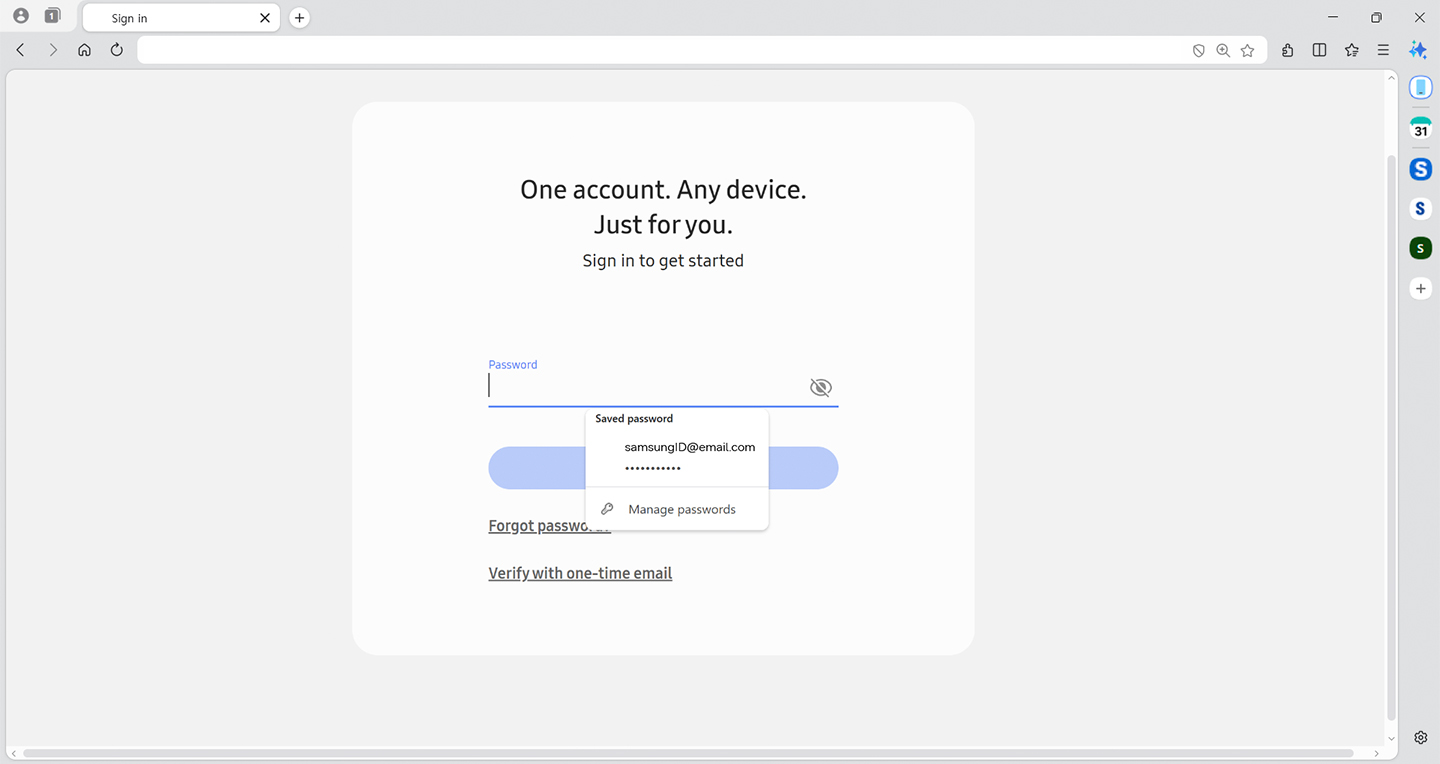
Integration with Samsung Pass further enhances convenience by enabling secure logins and autofill features, helping users save time while maintaining privacy.
Smarter Browsing with Built-In AI
One of the standout features is Samsung’s new AI assistant, developed in collaboration with Perplexity AI. This “agentic AI” is designed to actively assist users while they browse, going beyond traditional search tools.
Unlike standard AI chat features, this assistant understands:
- The content of the current webpage
- User activity across multiple tabs
- Context from browsing history
This allows it to deliver more relevant, actionable insights in real time.
Key AI Features That Change the Way You Browse
Context-Aware Content Assistance
The browser can analyze what you’re viewing and generate useful outputs. For example, if you’re researching a destination, it can instantly build a structured travel plan based on the content on your screen.
Faster and More Intelligent Search
Users can ask questions in natural language and receive precise answers without jumping between multiple websites. The AI also extends to video content, allowing users to jump directly to specific moments within a video.
Smarter Browsing History Search
Forget keywords and dates—users can now retrieve previously visited pages using simple, conversational queries, like describing a product they viewed days earlier.
Multi-Tab Comparison Made Easy
Samsung Browser can scan and summarize information across multiple open tabs, helping users compare content quickly without manually switching between pages.
Availability
Samsung Browser for Windows is compatible with:
- Windows 11
- Windows 10 (version 1809 and above)
Currently, the advanced AI features are available in select markets, including South Korea and the United States, with broader global rollout expected soon.
With this launch, Samsung is clearly positioning its browser as more than just a browsing tool it’s evolving into an intelligent assistant that actively helps users navigate the web.
By combining cross-device continuity with powerful AI, Samsung Browser is stepping into a new category where browsing becomes faster, smarter, and far more intuitive.